 Md. Ashraful Islam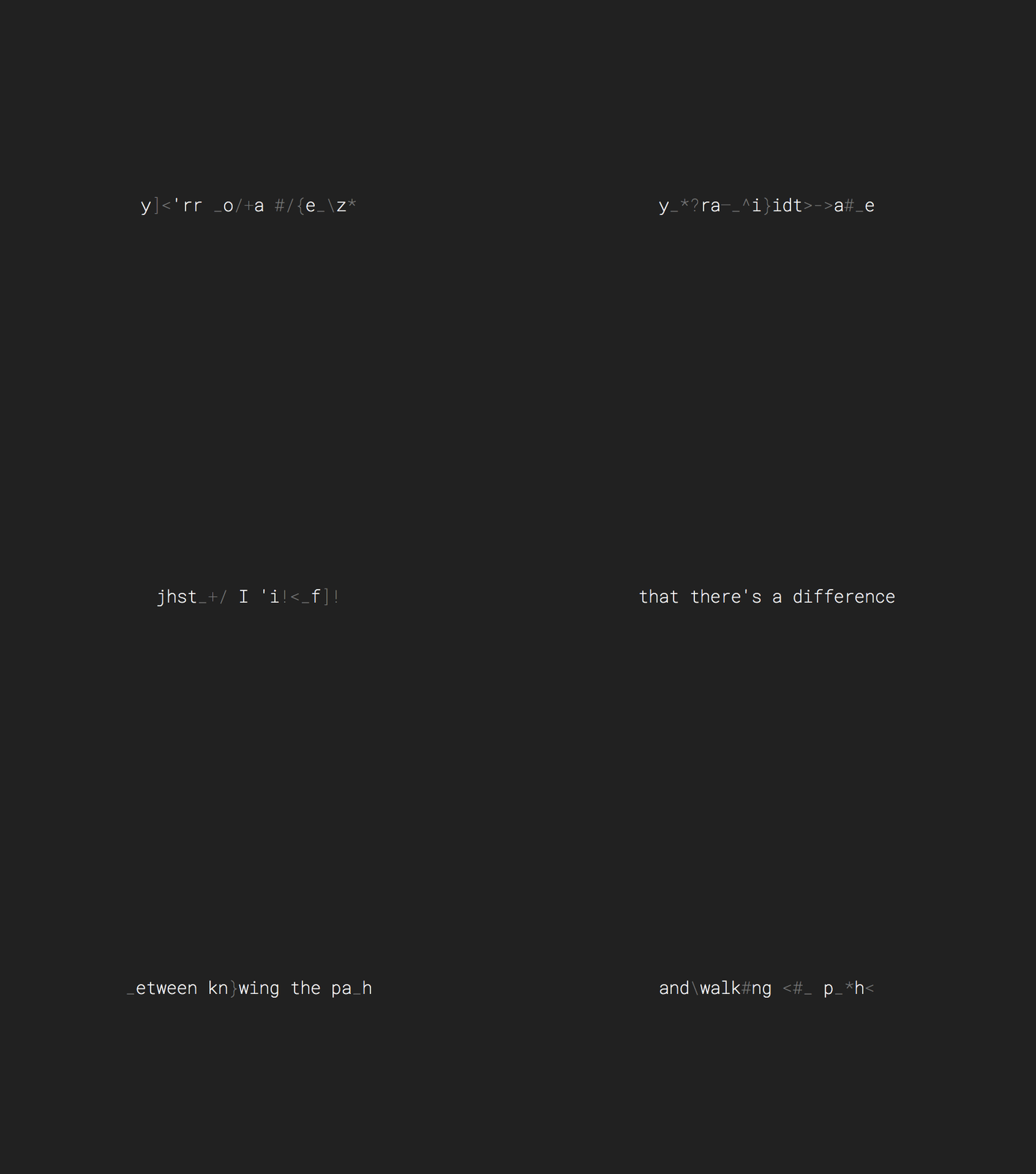
How to use React Scramble
You can read from GitHub. Link: React scramble animation
Step-1:
Install react-scramble
npm install react-scramble --save -f
Step-2:
Install react-intersection-observer
npm install react-intersection-observer -f
Step-3: Create a components
const TitleAnimation = () => {
    return (
        <div>

        </div>
    );
};

export default TitleAnimation;
Imports
    import { useEffect, useState } from 'react';
    import Scramble from 'react-scramble';
    import { useInView } from 'react-intersection-observer';
- useEffect and useState are imported from React to handle side effects and state.
- Scramble is imported from the 'react-scramble' library to create a text scrambling effect.
- useInView is imported from 'react-intersection-observer' to detect when the component is in view within the viewport
- Component Definition
- The Last component is a functional component.
- State is managed using the useState hook with the animate state variable, which controls whether the text scrambling animation should occur.
- The useInView hook is used to determine if the component is currently in view, and the result is stored in the inView variable.
const TitleAnimation = () => {
    const [animate, setAnimate] = useState(false);
    const [ref, inView] = useInView({
        triggerOnce: false,
        rootMargin: '-100px 0px',
    });

    useEffect(() => {
        if (inView) {
            setAnimate(true);
        } else {
            setAnimate(false);
        }
    }, [inView]);
Component Rendering:
- The component returns a div element with a ref assigned to the useInView hook, making it observable.
- The text inside the Scramble component is set to "Scramble me!"
- The Scramble component has animation steps defined using the steps prop, creating a scrambling effect when the animate state changes.
    return (
        <div ref={ref} className='text-3xl text-center font-bold text-blue-700' style={{ fontFamily: 'Space Mono, monospace' }}>
            <Scramble
                key={animate}
                autoStart={animate}
                text="Scramble me!"
                steps={[
                    {
                        roll: 10,
                        action: '+',
                        type: 'all',
                    },
                    {
                        action: '-',
                        type: 'forward',
                    },
                ]}
            />
        </div>
    );
};
Export:
- The Last component is exported as the default export of the module.
export default TitleAnimation;
Full Code
import { useEffect, useState } from 'react';
import Scramble from 'react-scramble';
import { useInView } from 'react-intersection-observer'
const TitleAnimation = ({text}) => {
    const [animate, setAnimate] = useState(false);
    const [ref, inView] = useInView({
        triggerOnce: false,
        rootMargin: '-100px 0px',
    });

    useEffect(() => {
        if (inView) {
            setAnimate(true);
        } else {
            setAnimate(false);
        }
    }, [inView]);
    return (
        <div ref={ref} className='text-3xl text-center font-bold text-blue-700' style={{ fontFamily: 'Space Mono, monospace' }}>
            <Scramble
                key={animate}
                autoStart={animate}
                text={text}
                steps={[
                    {
                        roll: 10,
                        action: '+',
                        type: 'all',
                    },
                    {
                        action: '-',
                        type: 'forward',
                    },
                ]}
            />
        </div>
    );
};

export default TitleAnimation;
Now import this component and pass the text as props.